Documentation Index

Fetch the complete documentation index at: https://api.corpay.com/llms.txt

Use this file to discover all available pages before exploring further.

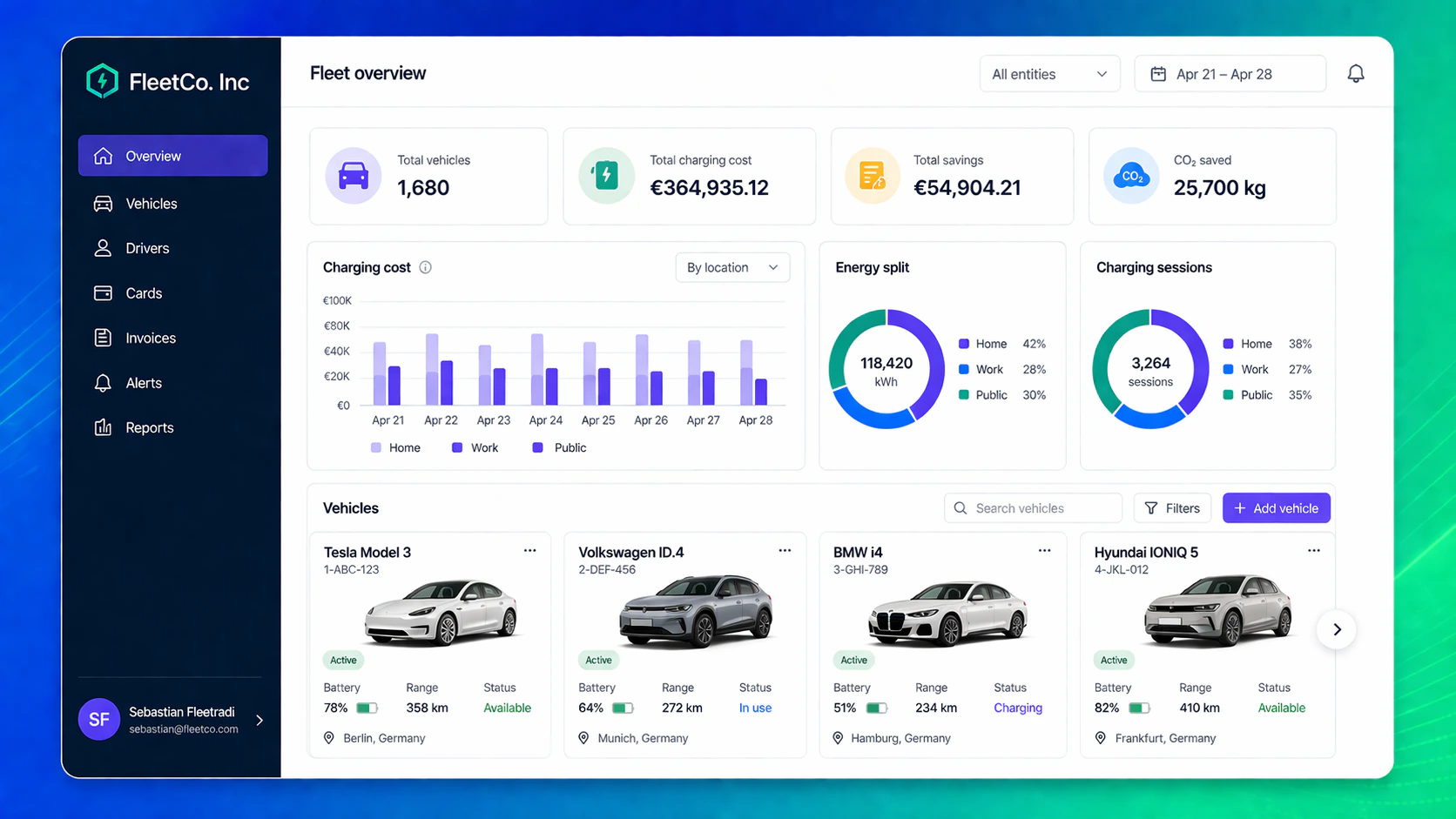
Many fleets, resellers, and leasing companies already run their operations through an ERP. Customer creation, account updates, card requests, and offboarding often start there—not in a separate fleet portal. With Fleet API, you can keep your ERP as the master source for customer and card data, while using Corpay to execute the operational workflows behind the scenes. That means your teams continue working in their own environment, while Corpay handles account creation, card lifecycle actions, and related fleet processes through API-based integration.
Company Fleet Erp With Fleet Api
Example of how an ERP portal can look like with Fleet API integrated

Manage customer data from your ERP

When a new customer is created in your ERP, that event can trigger a Fleet API call to create the corresponding customer or sub-customer in Corpay. When details change later—such as company name, contact information, or address—the ERP can send the update through the API and keep both sides aligned. The API supports retrieving customer records, updating mutable customer details, and creating sub-customers under the correct account structure. This is especially useful for companies that manage multiple entities, countries, reseller structures, or customer hierarchies. Instead of maintaining data manually in two systems, the ERP stays in control and Corpay becomes the execution layer for fleet operations.

Handle card lifecycle workflows in the same process

The same principle applies to cards. If a user orders a card in the ERP, that request can be sent to Corpay through Fleet API. The ERP can also trigger lifecycle actions such as blocking, unblocking, replacement, or cancellation as part of its own internal workflows. That creates a cleaner operating model. Teams do not need to switch into another system just to complete day-to-day fleet actions. Card servicing becomes part of the same ERP-driven process used for onboarding, role changes, incident handling, and offboarding.

Keep operations synchronized

An ERP-led setup is most valuable when it stays synchronized. Fleet API helps here by exposing operational data and webhook-based event flows that can be used to reflect status changes back into the ERP or related internal systems. That way, the ERP is not only the source of requests, but also the place where fulfilment and lifecycle progress can be tracked. In other words, Fleet API lets you combine your system of record with Corpay’s execution capabilities. You stay in control of the workflow and user experience, while Corpay powers the operational backend.

Summary

If your ERP already manages customer and card data, Fleet API allows you to extend that model instead of replacing it. Customer and sub-account changes can flow from the ERP into Corpay, and card lifecycle actions can be initiated from the same place. The result is a more unified operating model, with your ERP at the center and Corpay executing the fleet processes in the background.